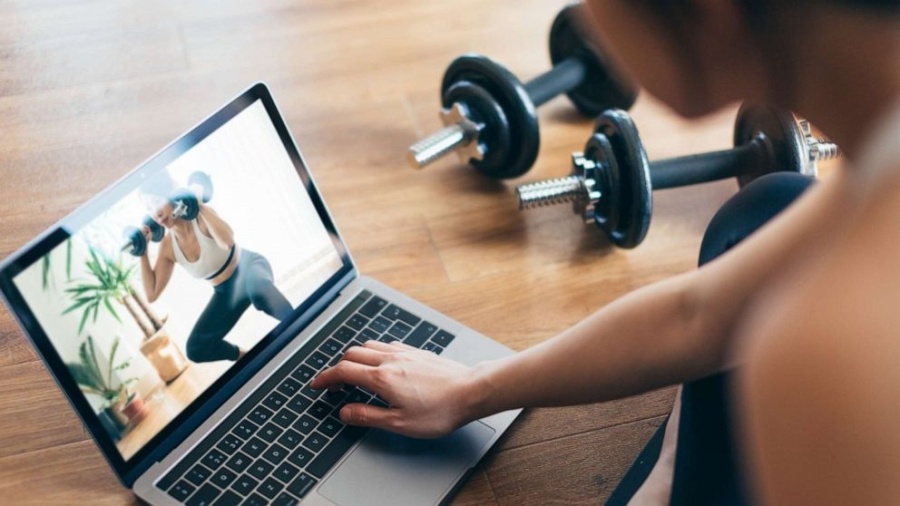
Workout Content Delivery Platform For Studios – Cloud Sync And Device Support
Studios rarely run in a simple, one screen environment anymore. Many now juggle display TVs, tablets, front desk devices, and instructor control panels at the same time.
That setup can work beautifully, but only when the platform behind it is reliable.
A workout content delivery platform for studios should help operators push updates instantly, manage media centrally, and reduce the risk of outdated class content showing up in the wrong room.
That matters for more than convenience. It affects brand consistency, instructor confidence, and member trust.
When content loads late or screens show mismatched circuits, the class feels less premium. People notice. In a competitive fitness market, that kind of friction can quietly chip away at retention and referrals.
A better member experience starts with visible consistency
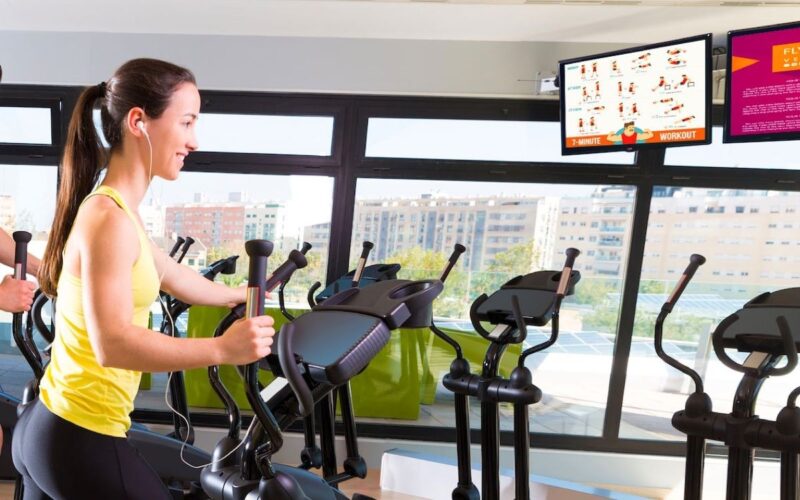
Members may never ask what software a studio uses, but they absolutely respond to how the experience feels.
Clear workout visuals, seamless transitions, and well timed content all shape their perception of quality. That is one reason many studios invest in tools like Gym Screens, especially when they want workouts displayed consistently across training zones without extra manual setup.
On the operations side, that consistency saves time. Coaches do not need to improvise around missing content, and managers do not need to troubleshoot every room before peak hours.
A good setup creates fewer interruptions and more confidence across the team.
In practical terms, that means smoother classes, better pacing, and a more professional environment that members are more likely to return to.
Cloud sync reduces manual work and version confusion
Cloud sync is one of those features that sounds technical until you have to operate without it. Then the pain becomes obvious.
Without centralized syncing, studios often rely on manual uploads, USB transfers, or device by device updates.
That process is slow and error prone, especially across multiple rooms or locations.
A synced platform fixes a lot of that by keeping content aligned automatically. The biggest wins usually look like this:
- Coaches see the latest workout version without asking the front desk for help.
- Managers can update schedules or programming once instead of repeating the same task on every screen.
- Multi location brands keep class presentation more consistent across their footprint.
- New devices can be added faster because they pull the current setup from the cloud.
That kind of workflow is not flashy, but it makes daily operations much easier to scale.
Device support is what turns software into a working system
Cloud sync gets the content to the right place, but device support determines whether that content is actually useful in real life.
A studio may use smart TVs in one room, tablets in another, and web dashboards for admin tasks. Some instructors may prefer mobile control during class, while others want a mounted screen they can glance at between sets.
That is why device flexibility matters so much. A workout content delivery platform for studios should not force every room into the same hardware model.
It should work across the devices teams already use, while still keeping the experience consistent.
Good support also means performance matters across screen sizes, operating systems, and network conditions.
In other words, compatibility is not just a checklist item. It is what makes the platform usable on a busy class day.
What smart device support actually looks like

The phrase device support can sound vague, so it helps to break it down into practical studio needs. The goal is not endless compatibility for its own sake.
The goal is reliable performance in the spaces where classes happen.
| Device Type | Best Use in Studios | What to Look For |
| Smart TVs | Main workout display | Fast loading, readable layouts, remote management |
| Tablets | Instructor control | Touch friendly navigation, quick edits, portable use |
| Laptops | Programming and admin | Full dashboard access, scheduling, reporting |
| Mobile phones | Quick adjustments | Responsive controls, alerts, backup access |
A platform that supports these device roles well gives studios more freedom in how they build their setup.
That freedom often lowers hardware costs and reduces the need for custom workarounds later.
Performance matters more than feature count
Studios can get distracted by long feature lists, but performance is usually what decides whether the platform succeeds after launch.
A system can offer templates, playlists, timers, and analytics, yet still create frustration if the interface feels clunky or content takes too long to load.
In a live training session, even a short delay can break rhythm.
Reliable content delivery means the right workout appears on the right device at the right time, without manual correction.
That idea sounds simple, but it is a strong benchmark when comparing platforms. Look at how fast content updates propagate.
Check whether offline fallback exists if the connection drops. Ask how the platform handles older devices.
Technical polish in those areas often matters more than one extra design feature that rarely gets used after onboarding.
What to evaluate before choosing a platform
Choosing a workout content delivery platform for studios is partly a software decision and partly an operations decision.
The best option is usually the one that fits your staffing model, class style, and hardware reality, not the one with the most ambitious sales pitch.
Studios should look closely at how the product works during a normal week, not only during a polished demo.
A useful evaluation process should cover setup time, content management, training requirements, and support responsiveness.
It also helps to think ahead. You may only have one room now, but expansion changes what matters.
Multi room control, account permissions, and fast rollout across devices become much more important once you scale.
Picking a platform with that future in mind can save a painful migration later.
A practical shortlist for studio owners and operators
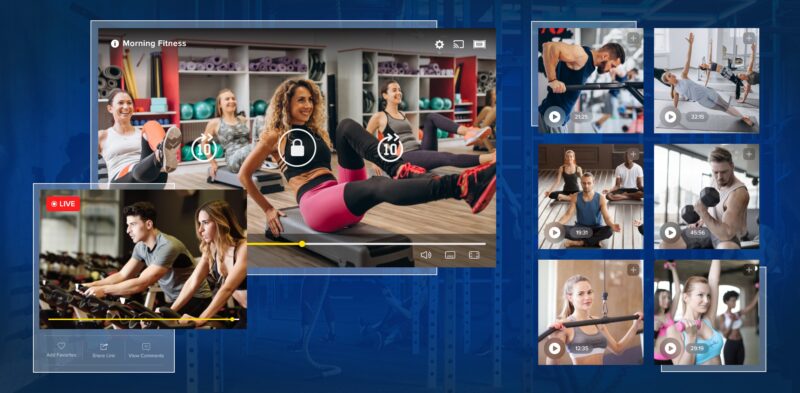
Before signing anything, it helps to review a few grounded questions that bring the decision back to day to day use.
This step often reveals more than a sales presentation does.
- Can your team publish and update workouts without needing technical support every time?
- Does the platform work well on the screens and tablets you already own?
- Are cloud updates fast enough to trust during a full class schedule?
- Can different instructors use it confidently after basic training?
- Is support available when something breaks during business hours?
Did you know? Many software frustrations in studios come from workflow mismatch, not missing features.
A simpler platform that fits your team can outperform a more advanced system that requires constant hand holding.
When the delivery system is solid, coaches stay focused, managers save time, and members get a better experience without ever thinking about the tech behind it.
The real payoff is operational calm
The best technology in a studio does not constantly demand attention.
It supports the room, stays out of the way, and helps people do their jobs with less friction.
That is the real value of a workout content delivery platform for studios. Cloud sync keeps content accurate.
Strong device support makes it usable across real studio environments. Together, those two factors turn scattered screens into a coordinated system.
For tech minded studio operators, this is not just about convenience. It is about building a dependable experience that scales.
When content delivery works properly, classes feel more polished, teams feel more prepared, and members feel the difference.
That is a meaningful advantage in a market where small details often shape the entire brand impression.